 Make Pet Videos
POWERED BY PETE AI
AI Pet Video
Generator.
Pete AI is an AI pet video maker for iPhone. Turn one photo into a video of your pet talking, dancing, or starring in a cinematic scene.
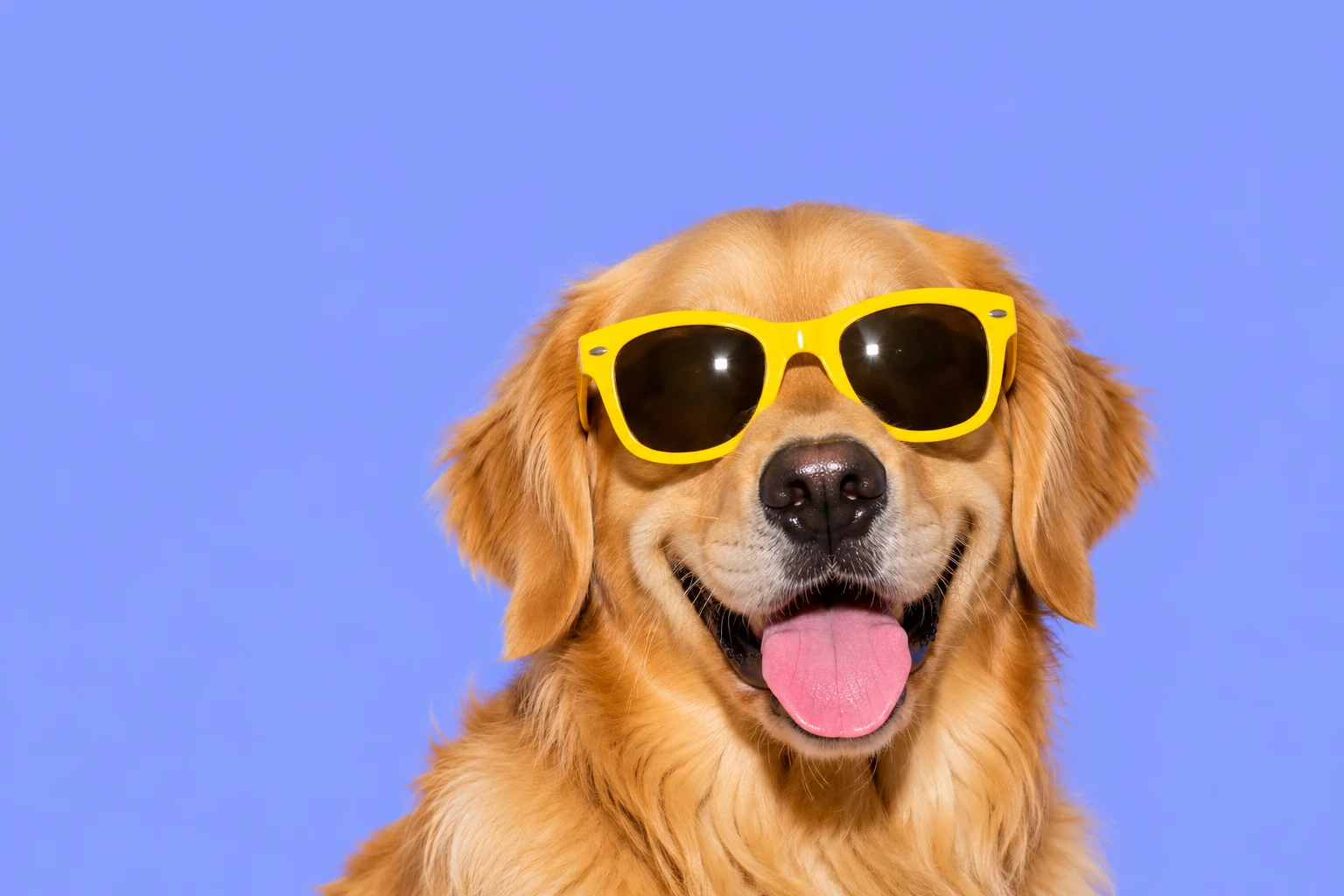
Make a video from one pet photo
Pick a photo
Start with a clear picture of your dog, cat, or other pet.
Choose a style
Try a talking pet, a dance, or a cinematic scene in Pete AI.
Preview and share
Watch your result and share your favorite clip with friends.
Ideas for your first video
Start with one of these step-by-step guides.
-
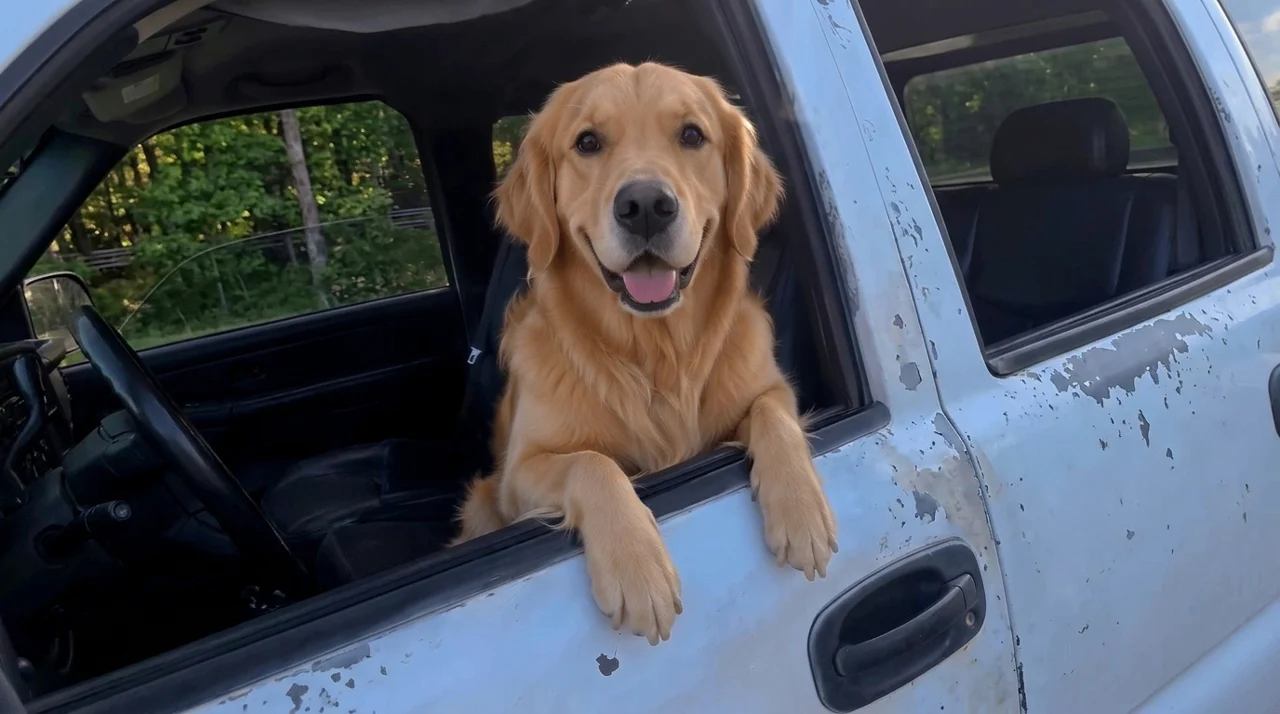 Talking pets
Hit the Road, Dude Meme With a Pet
Put a pet behind the wheel of a parked truck for an original deadpan reaction line.
Read guide -
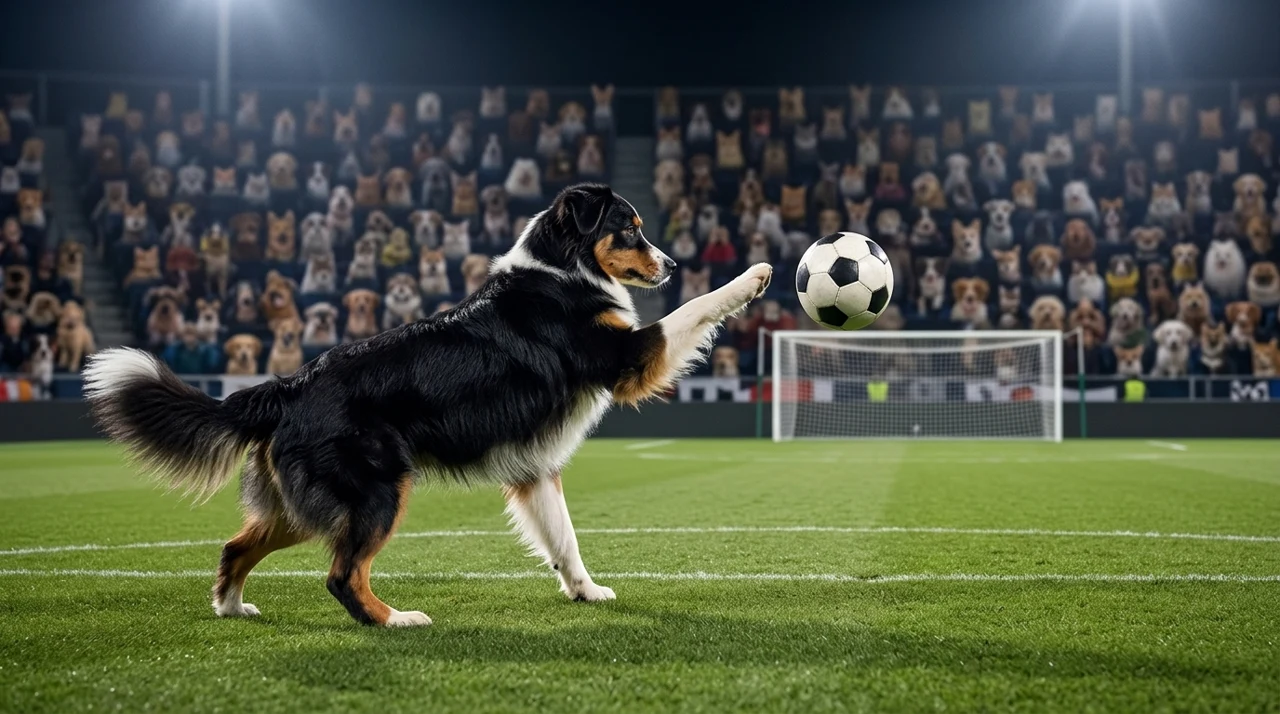 Trends
The Özil Goal AI Trend With a Pet
Put your pet in a playful soccer scene built around a small bounce and a big reaction.
Read guide -
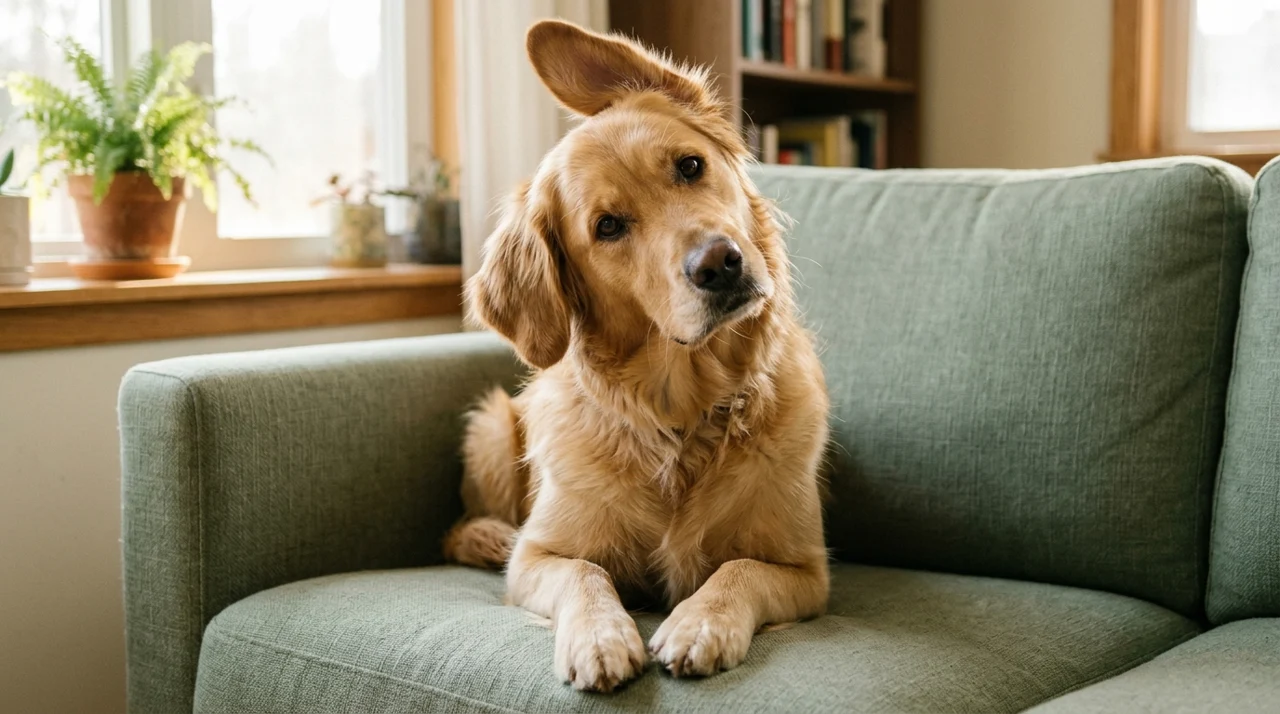 Getting started
How to Turn a Pet Photo Into an AI Video
Animate a pet photo with AI to create a short video. Start with one picture of your dog or cat and try a head tilt, blink, or tail wag.
Read guide
Frequently asked questions
Where can I make an AI pet video?
Download Pete AI, an AI pet video app for iPhone. For help picking a photo or planning a scene, start with the guides above.
Is Pete AI free to download?
Yes. Pete AI is free to download and offers in-app purchases. Check the App Store listing for your region.
Can I animate a cat or a dog?
Yes. You can use a photo of a cat, dog, or another pet.
What kind of pet photo works best?
Use a clear, eye-level portrait with the mouth unobstructed for a talking clip. For a dance, use a full-body photo with room around the paws and tail.
Can I make every trend in Pete AI?
The trend guides are creative adaptations. Start with the closest style in Pete AI. For precise timing, multiple shots, or custom effects, you may need a separate editor or a tool that accepts custom prompts.