 Make Pet Videos
How this video works
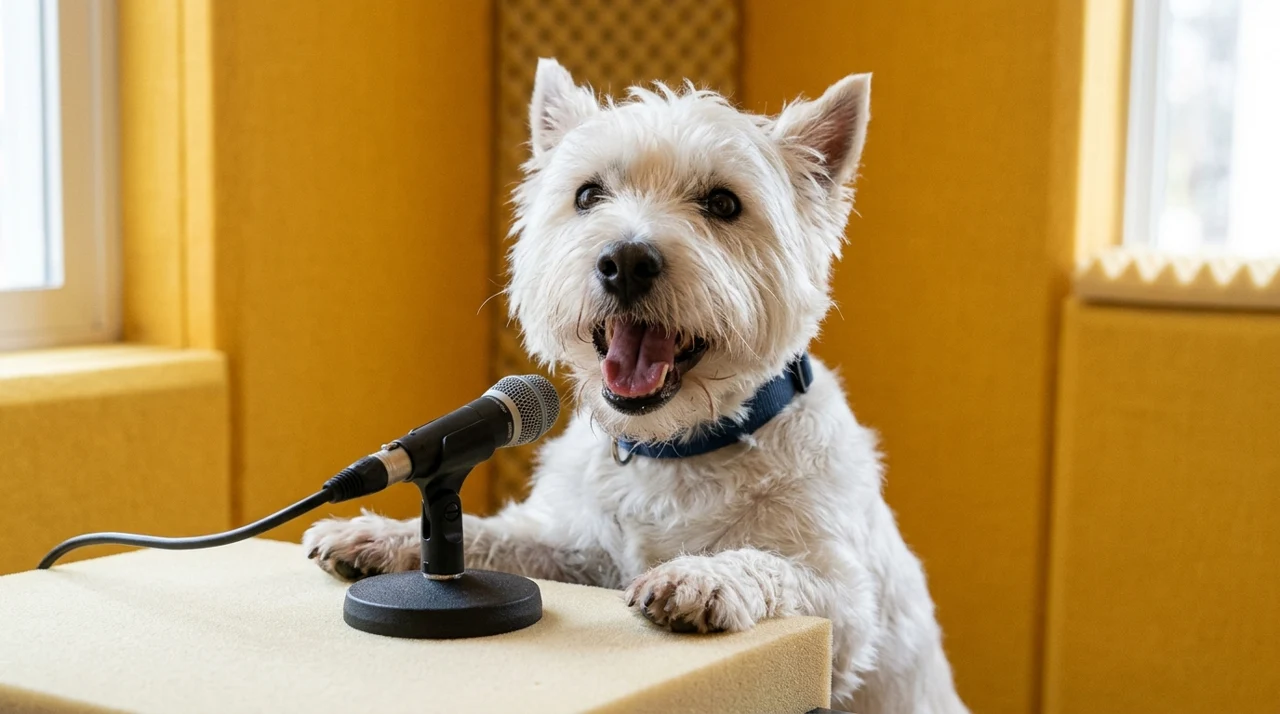
The illusion depends on an unobstructed muzzle, a short line, and room for a reaction. A steady portrait with the head nearly fixed can make a single sentence feel much more convincing than several lines delivered during a turn.
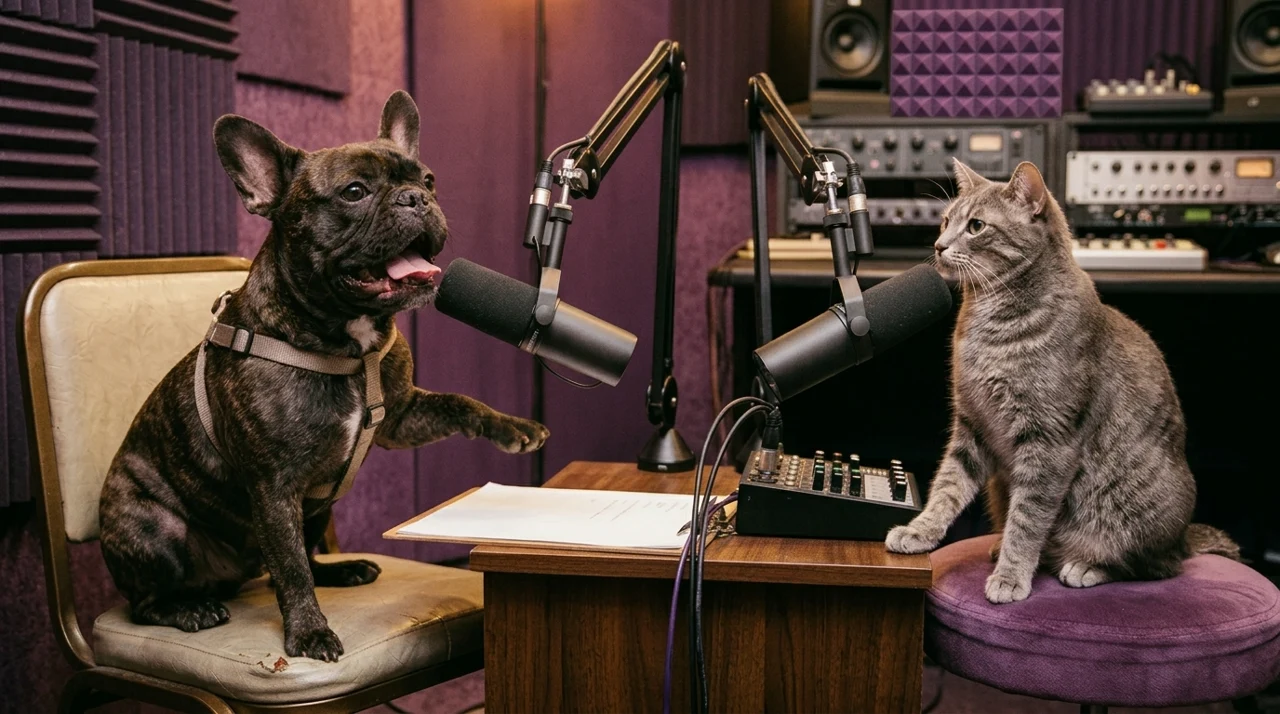
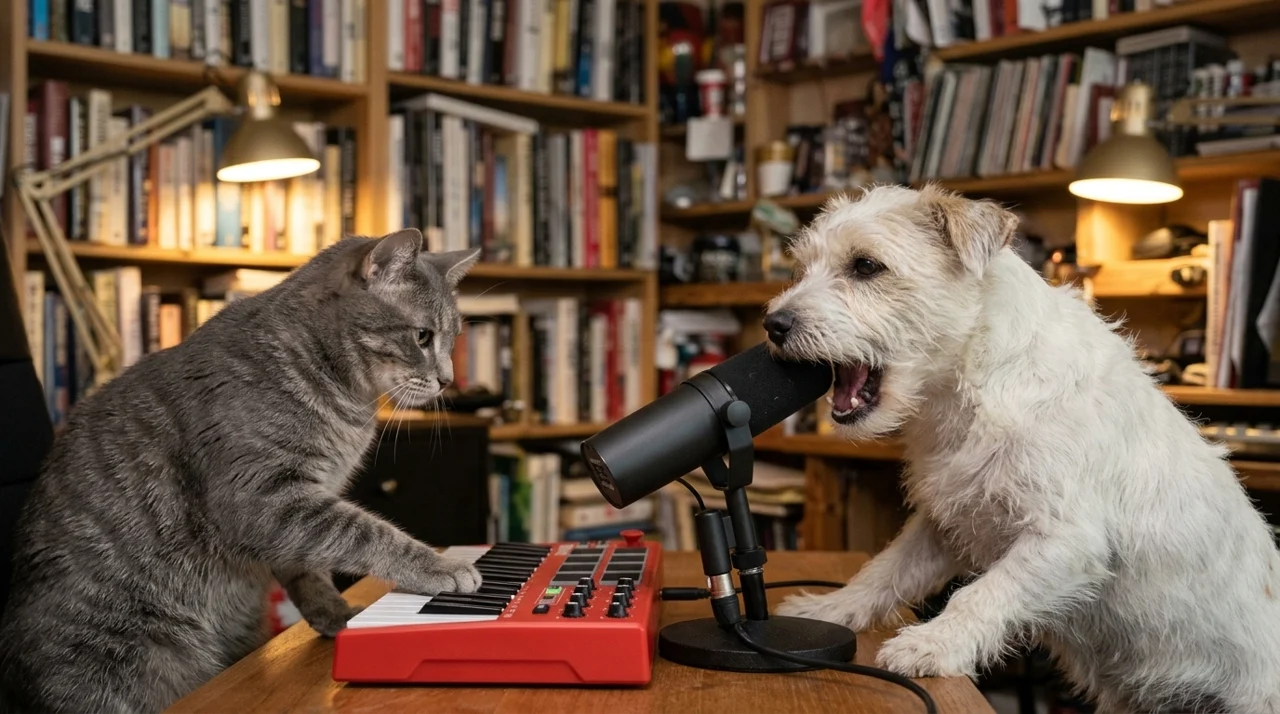
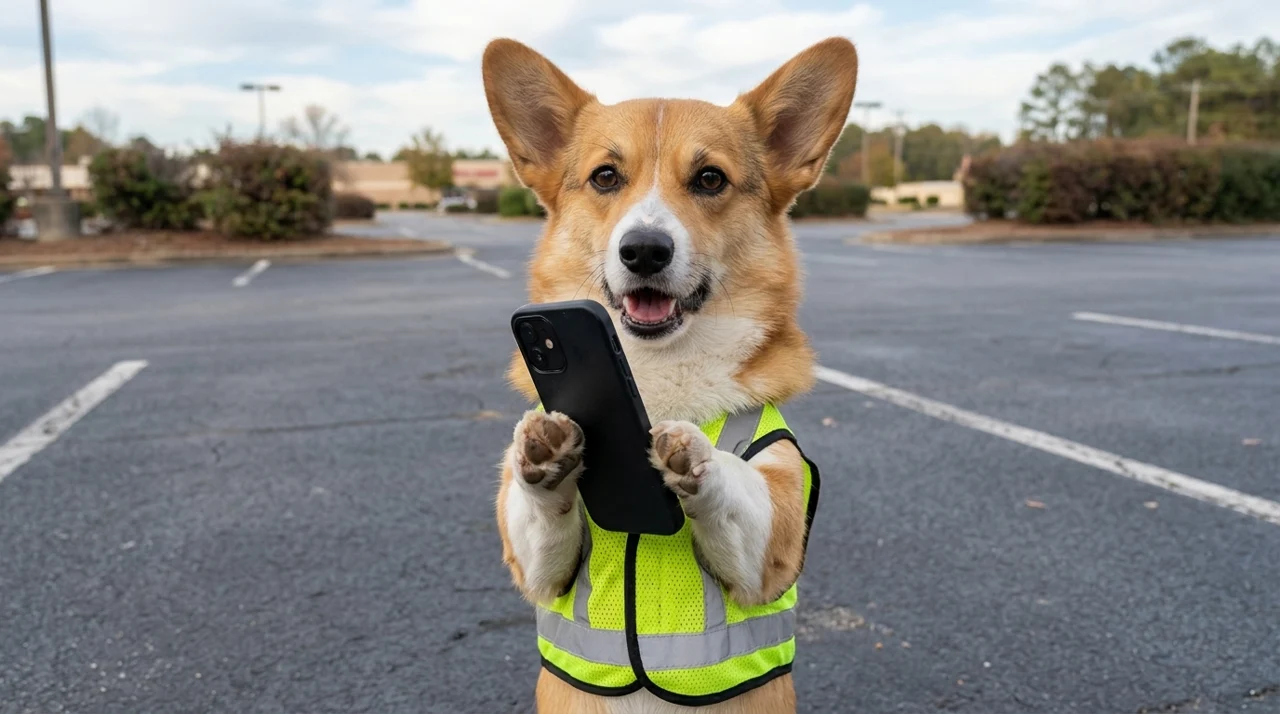
Trend examples


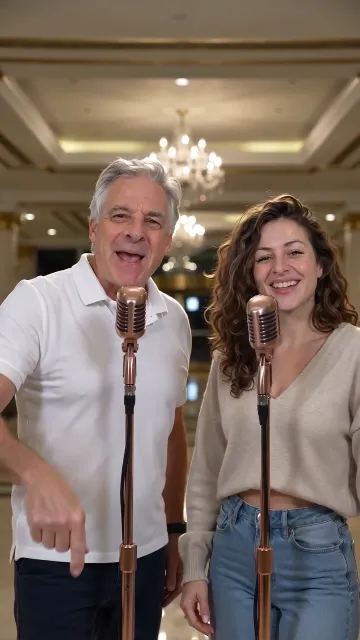
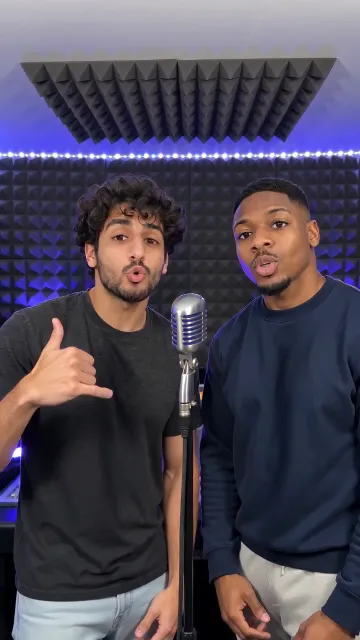
Choose a photo
Choose a pet at eye level with the whole muzzle visible. A neutral, closed mouth gives the animation a clear starting point.
Make the video
- Pick a front-facing portrait in soft light. Keep blankets, toys, tongues, and foreground microphones clear of the mouth.
- Record or enter one line in a talking style. Put a short pause before the punch line and leave a beat of silence afterward.
- Watch once with sound for timing and once without sound to check the jaw, whiskers, and identity. Trim after the reaction.
Example prompt
Have the dog look at the camera and say, “I have examined the evidence, and the sandwich was delicious.” Pause before the second half of the line.
Troubleshoot the result
Try a shorter line if the mouth keeps moving after the audio stops. Use a clearer photo or a calmer delivery if the jaw opens too wide or the muzzle loses its shape.
Before you share
Listen for the pause and watch the mouth on the final word. Shorten the line if the delivery feels rushed.
Frequently asked questions
Should I write the script before choosing a photo?
Choose the tone first, then match the photo to the delivery. A straight-on, serious expression works well for a dry punch line.
How can I make my dog talk with AI?
Open Pete AI on iPhone, pick a clear photo of your dog, choose a talking style, and enter one short line. Preview the clip to check that the mouth movement matches the words.
How can I improve lip-sync in a talking pet AI video?
Start with a front-facing photo that shows the entire muzzle. Keep the first line short and add a pause where you’d naturally take a breath. If the mouth moves too quickly, shorten the line and try again.