 Make Pet Videos
What is the Bicep Heart pose?
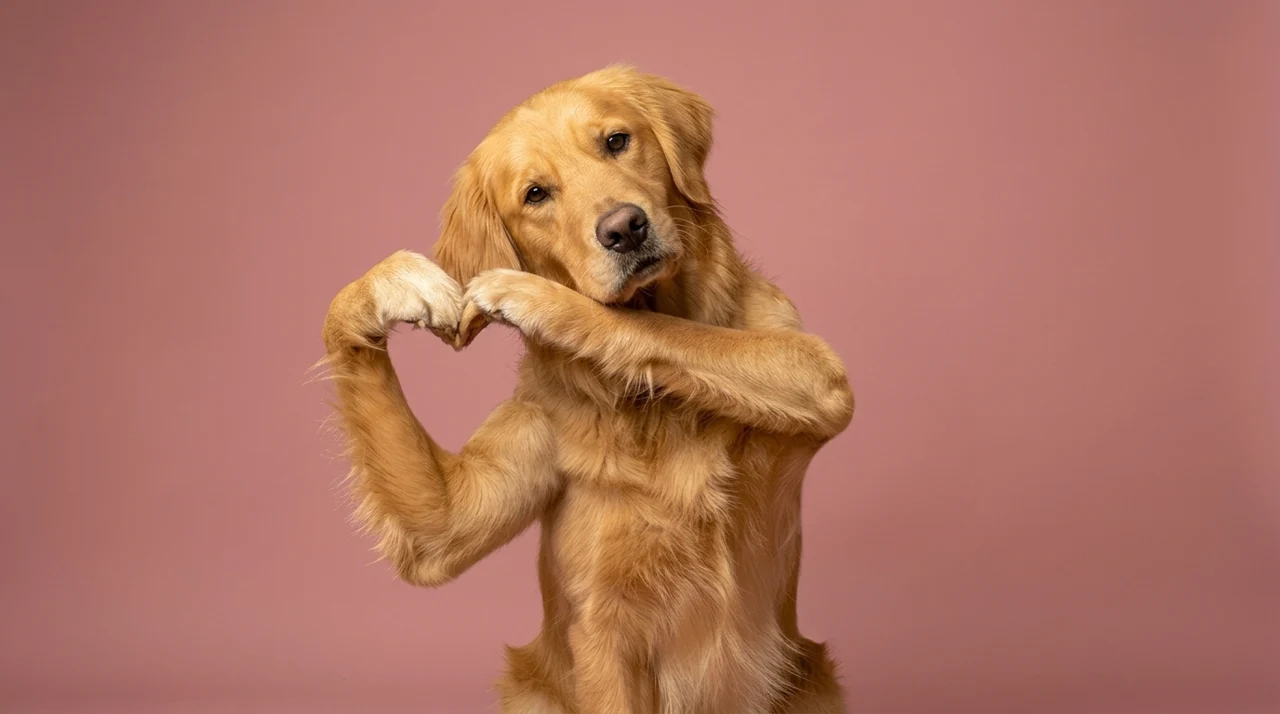
The heart comes from the pose itself. One foreleg bends into a bicep flex, and the other curves across the chest to meet it. The short-sleeve example starts with a sleeve adjustment before the flex. The sleeveless outdoor example goes directly into the gesture. For a pet, the direct version is the simpler starting point.
Trend examples
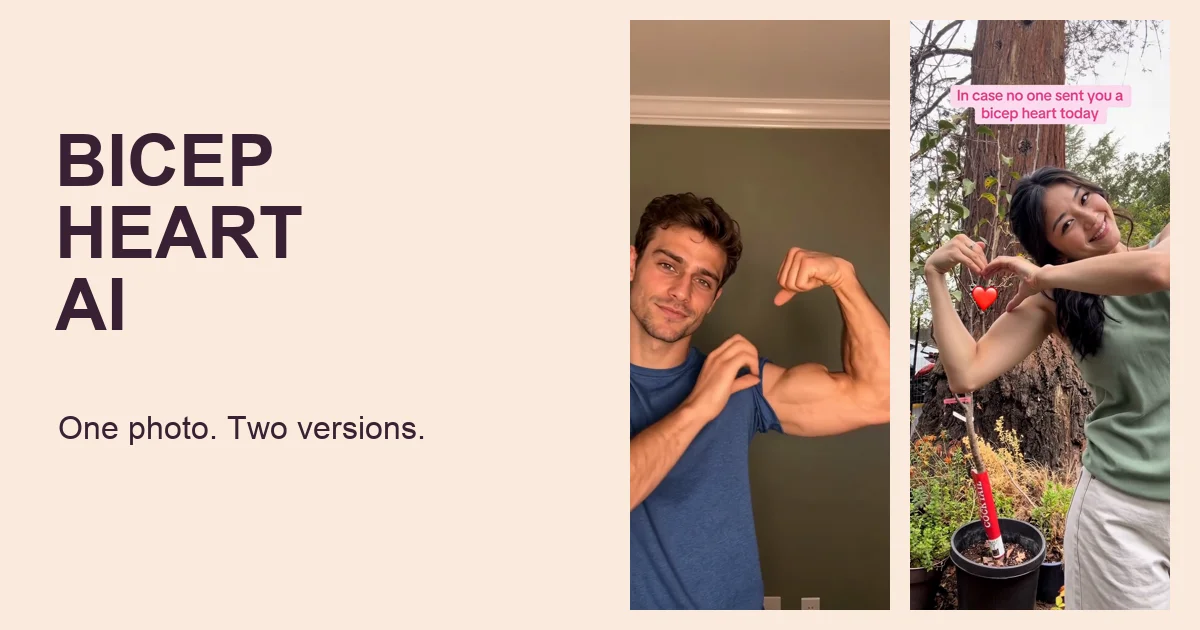
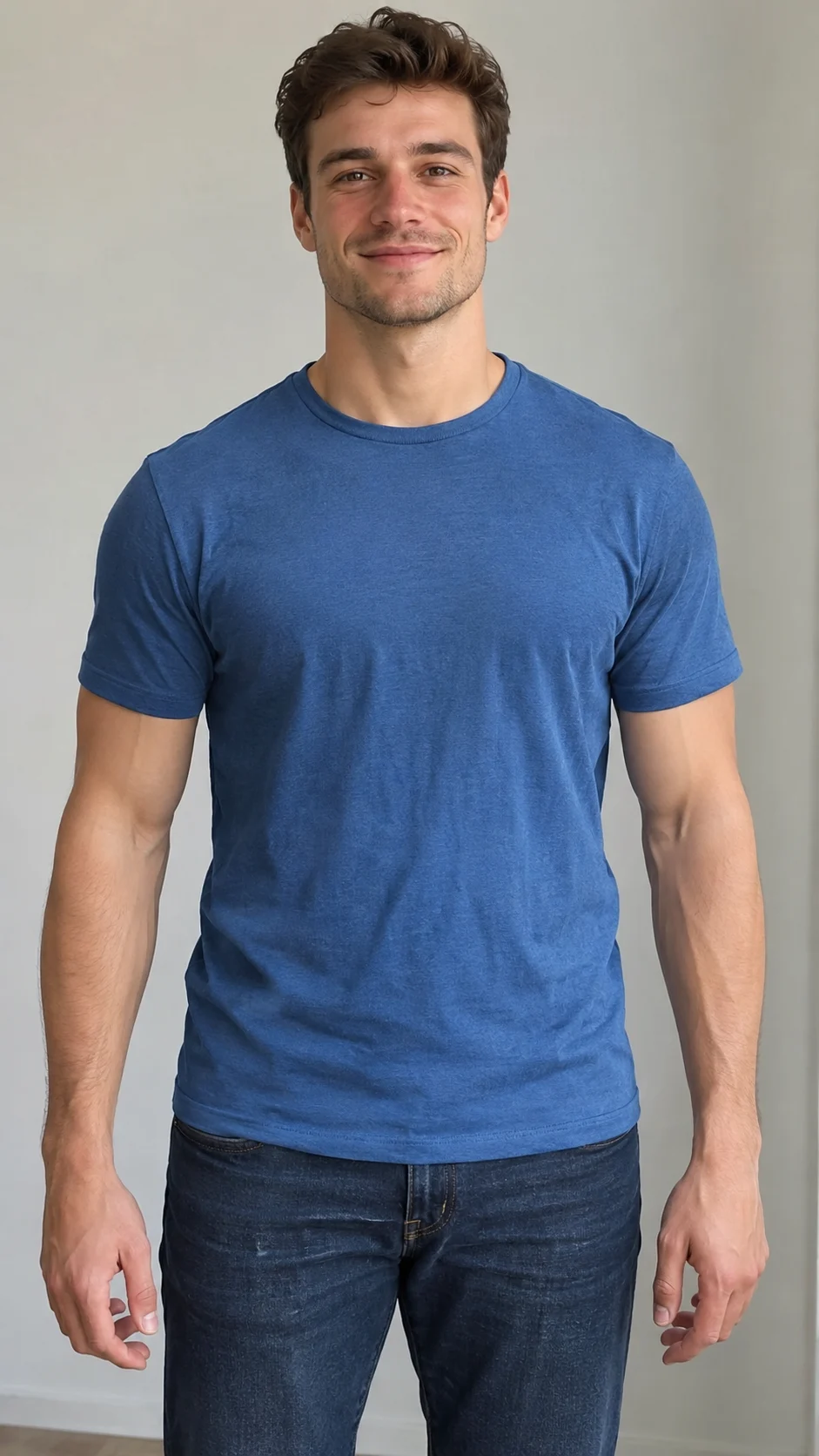
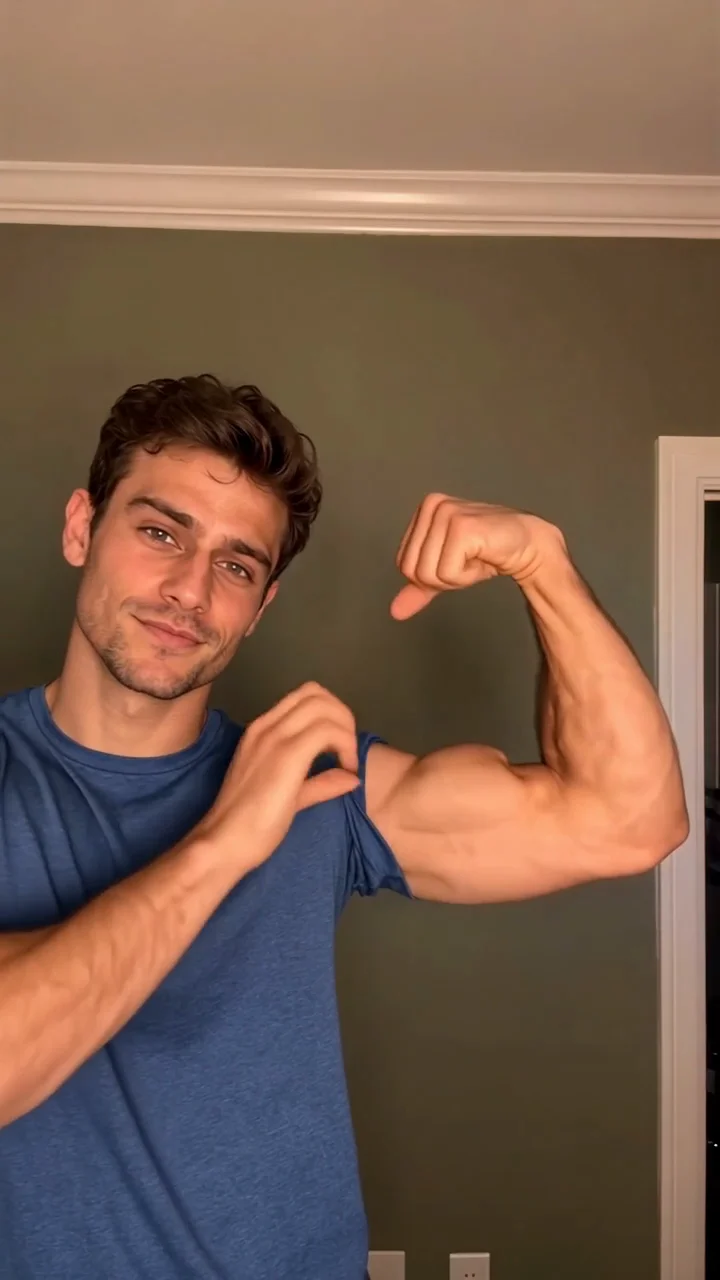
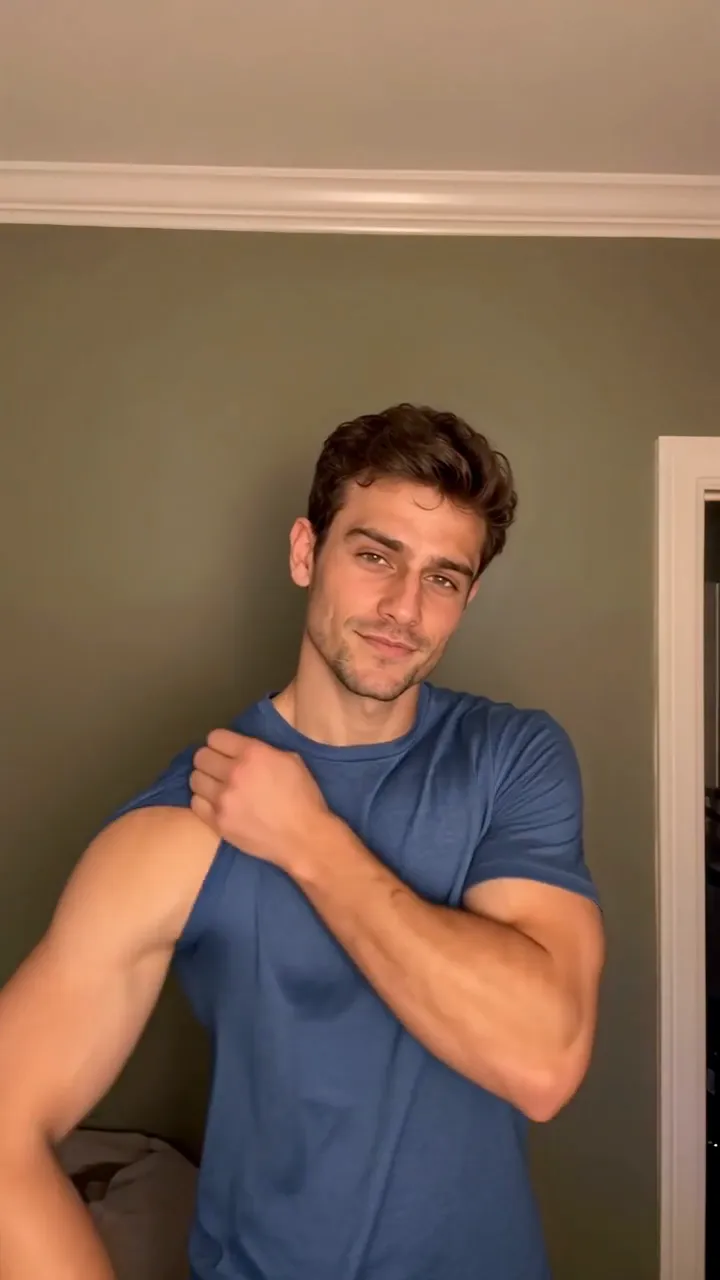
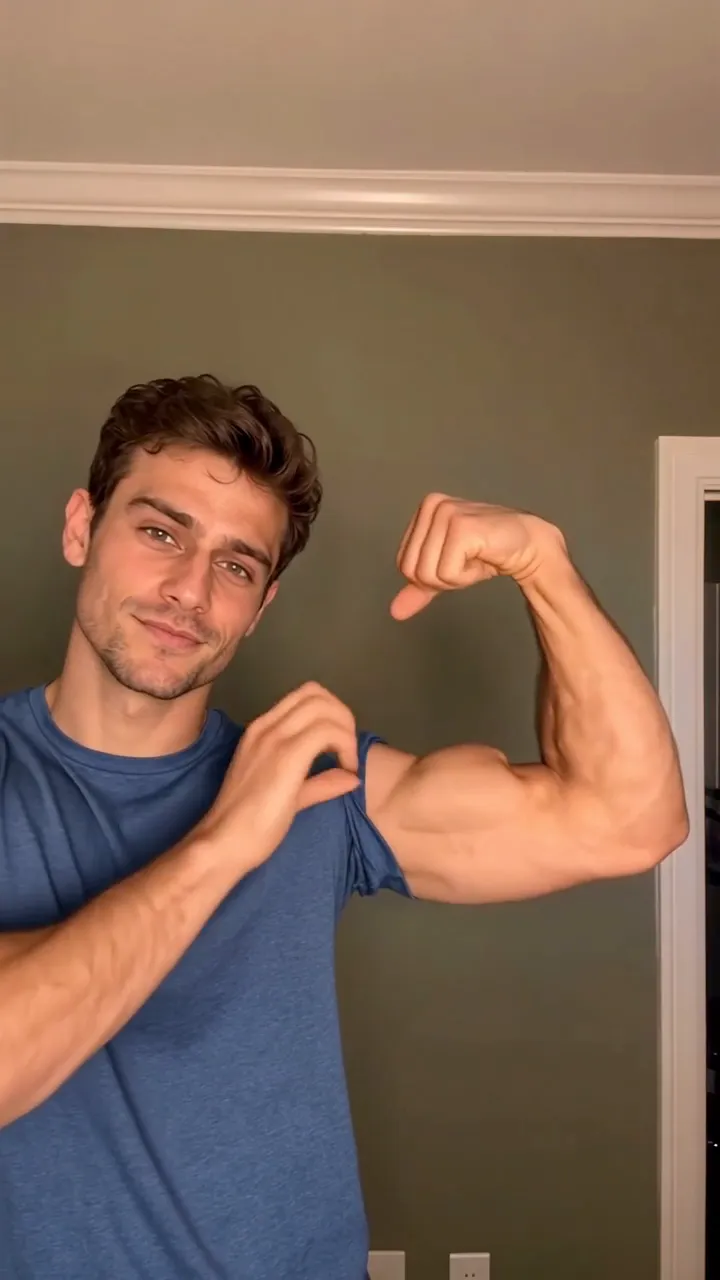
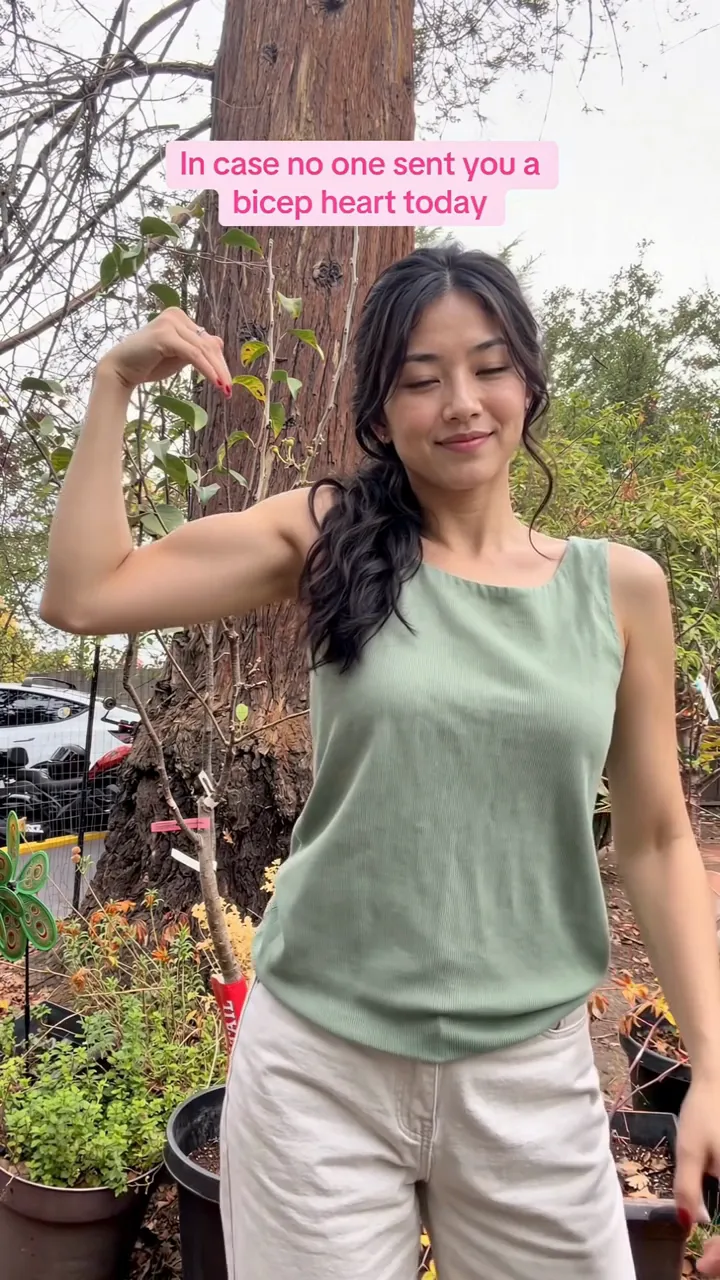
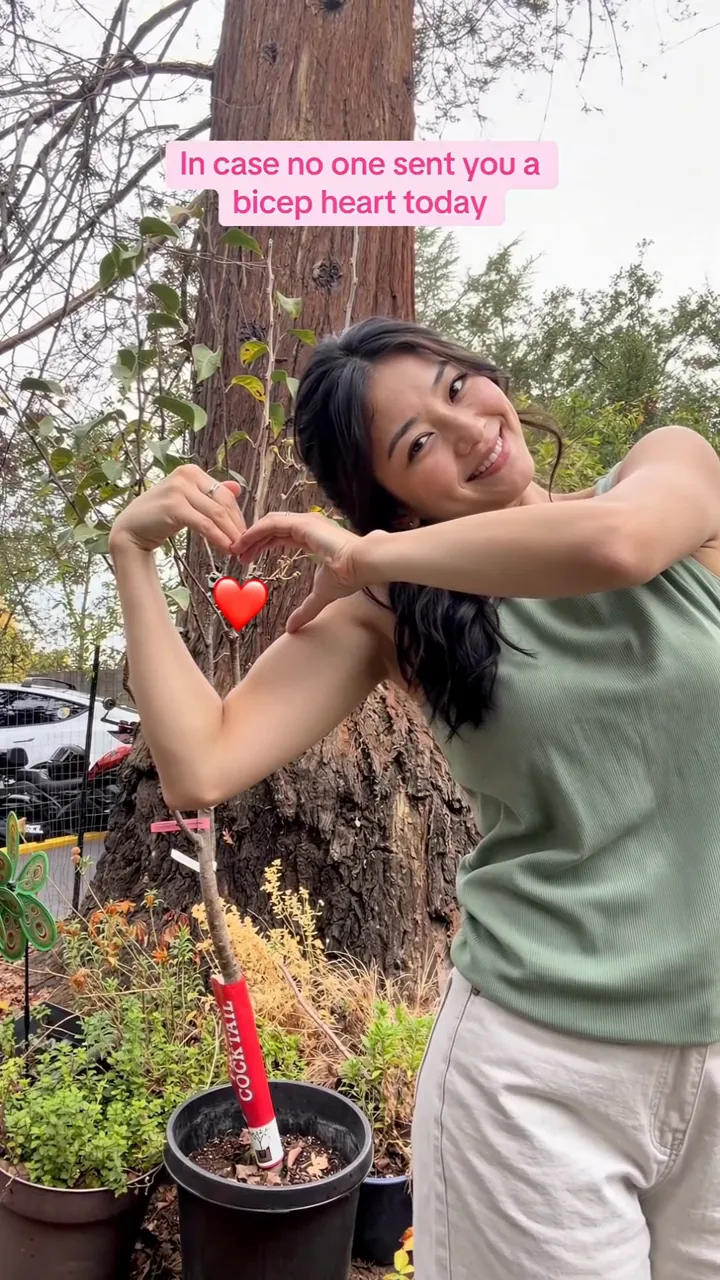
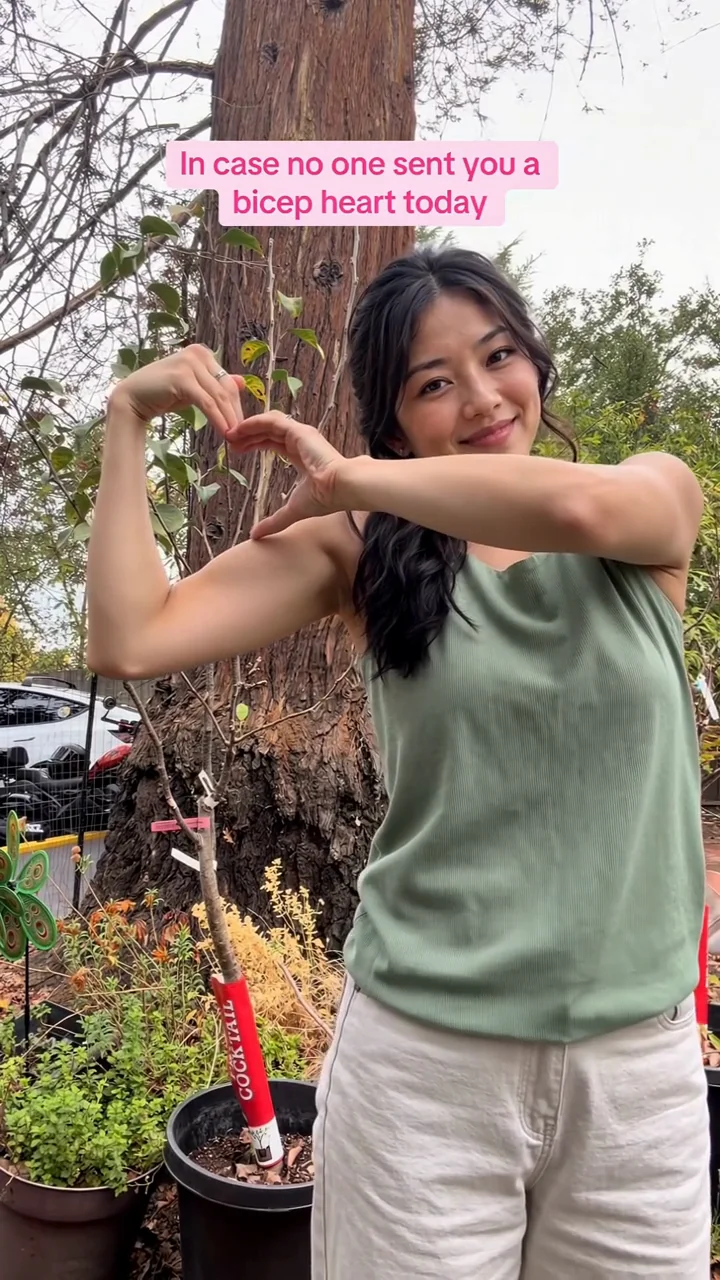
Choose a photo
Use a front-facing portrait that shows both shoulders and front paws. Leave room on both sides for the elbows.
Make the video
- Start with a sharp, front-facing photo showing the pet’s chest and both forelegs. Leave room on both sides for the elbows.
- Plan three beats: a neutral look, one bent foreleg lifting, then the opposite paw coming across to complete the outline. If available, supply a still of the finished pose as a reference.
- Hold the completed shape before cutting. Look for both furry paws meeting beside the face and a visible heart-shaped gap. Let the pose fill the frame while keeping both elbows visible.
Example prompt
The dog flexes one furry foreleg beside its face and curves the other foreleg across its chest to meet the flexed bicep. The gap between the two forelegs forms a visible heart. Keep both elbows and paws in frame, then hold the pose briefly.
Troubleshoot the result
If you see a third limb or the paws fuse, simplify to a still pose first and animate only the final approach. A contrasting background makes the gap easier to see. If the tool refuses a photo, try a sharper, unobstructed image and check that the selected tool accepts pet inputs.
Before you share
Look for a clear heart outline between the forelegs. If the paws overlap or the gap closes, try a wider crop and hold the pose with less motion.
Frequently asked questions
Which reference example should I follow?
Start with the sleeveless example for its direct motion. Borrow the short-sleeve version’s extra setup only if you want an outfit detail, such as a plain sleeve, to be part of the joke.
Can I start with just one pet photo?
Yes. Use a seated portrait with both forelegs visible, then make a still of the finished pose if your tool can start or end a clip from a reference frame.
How long should the pose stay on screen?
Hold it for a beat after the paws meet. Watch the clip on mute and check that you can see the heart before the cut.