 Make Pet Videos
How this video works
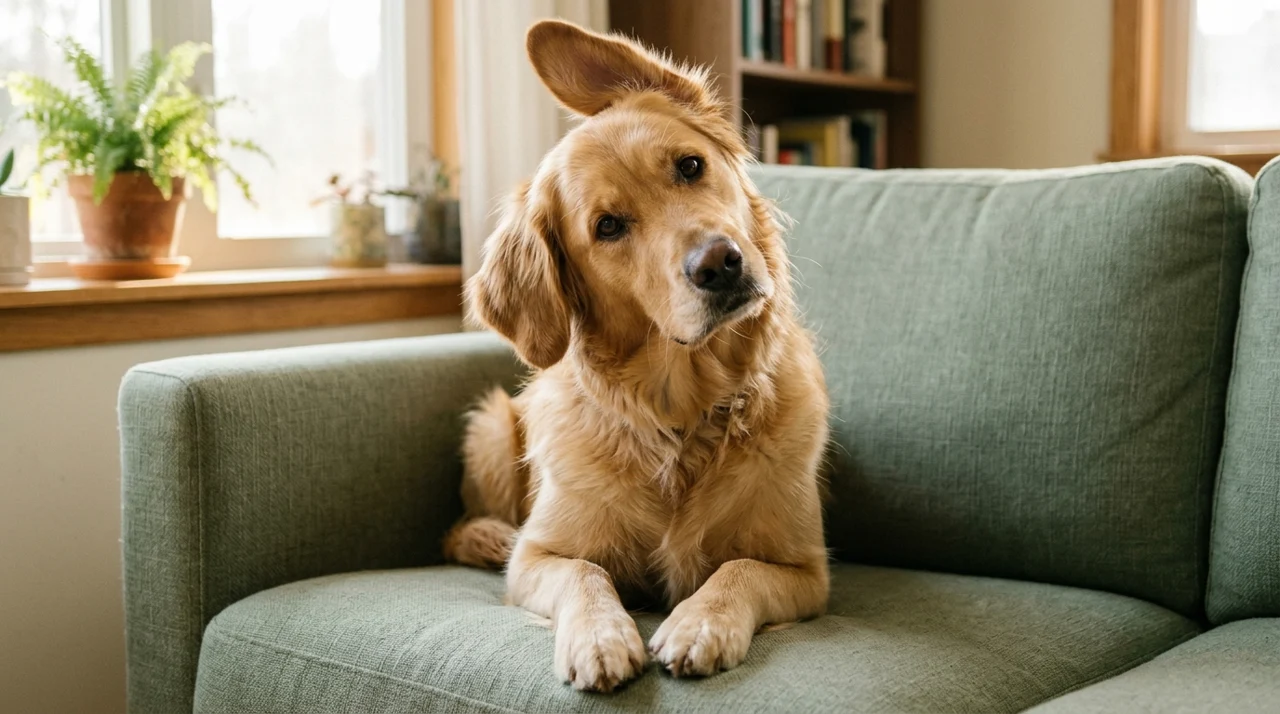
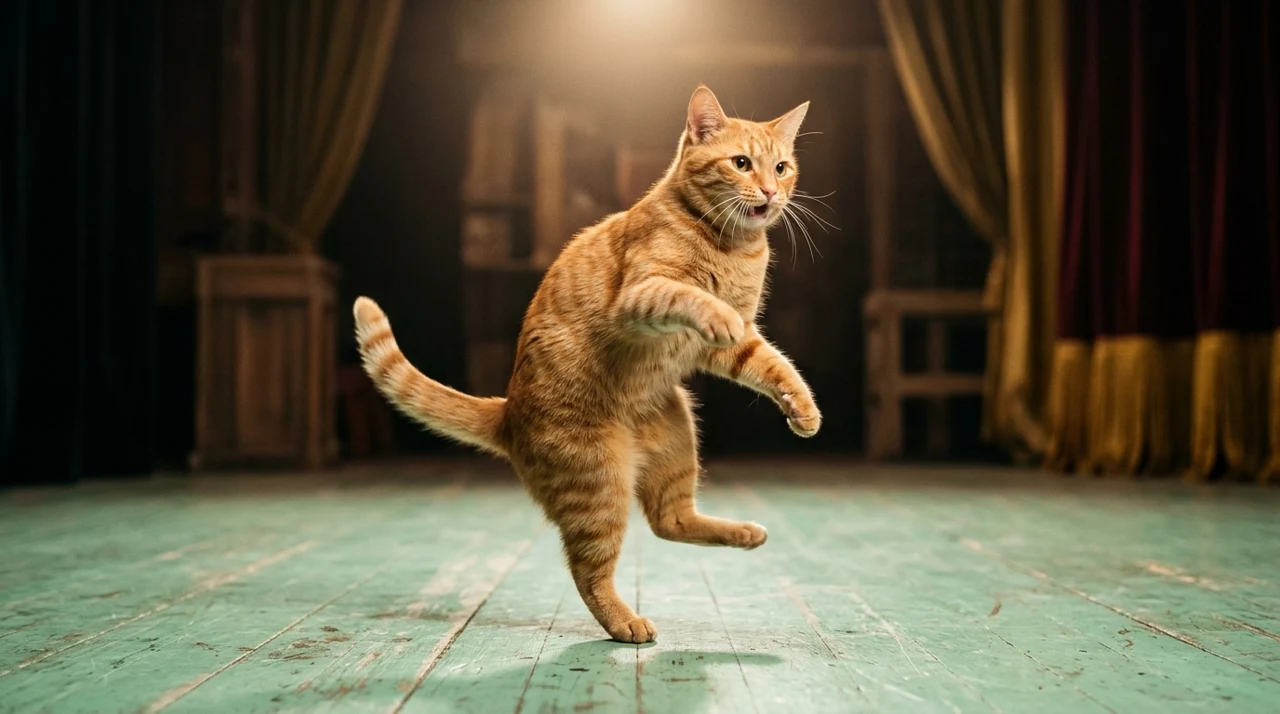
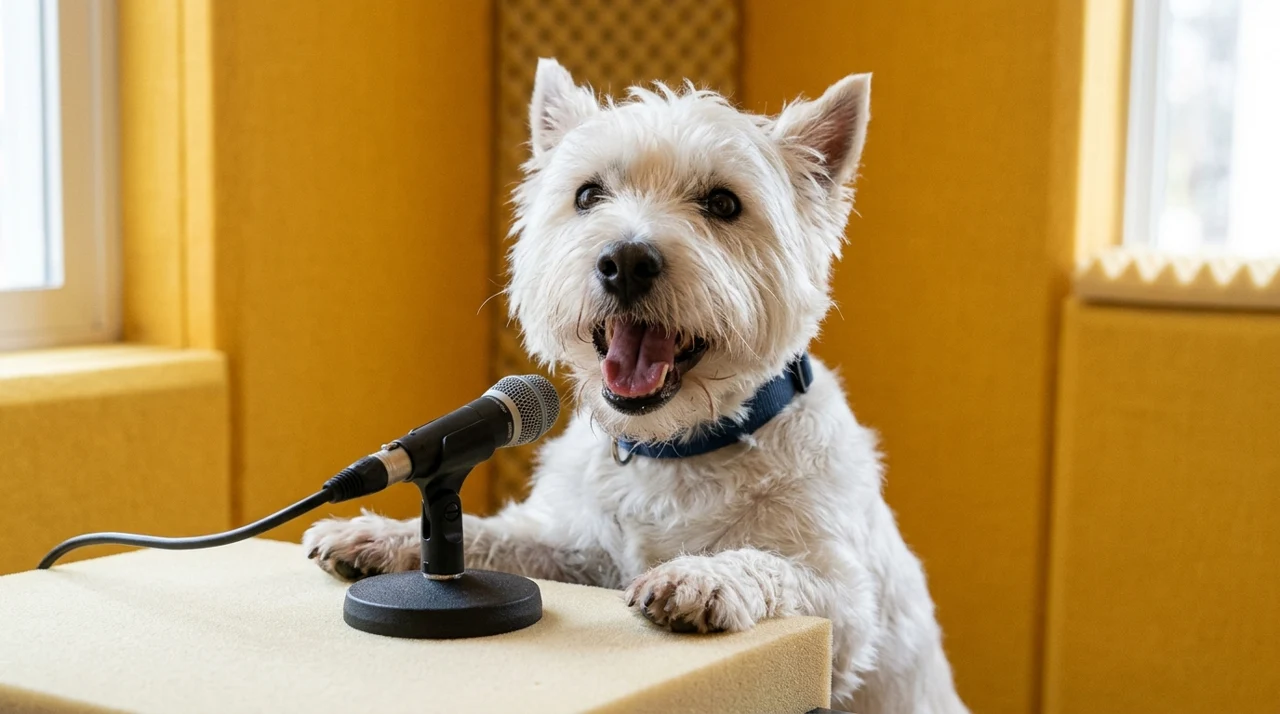
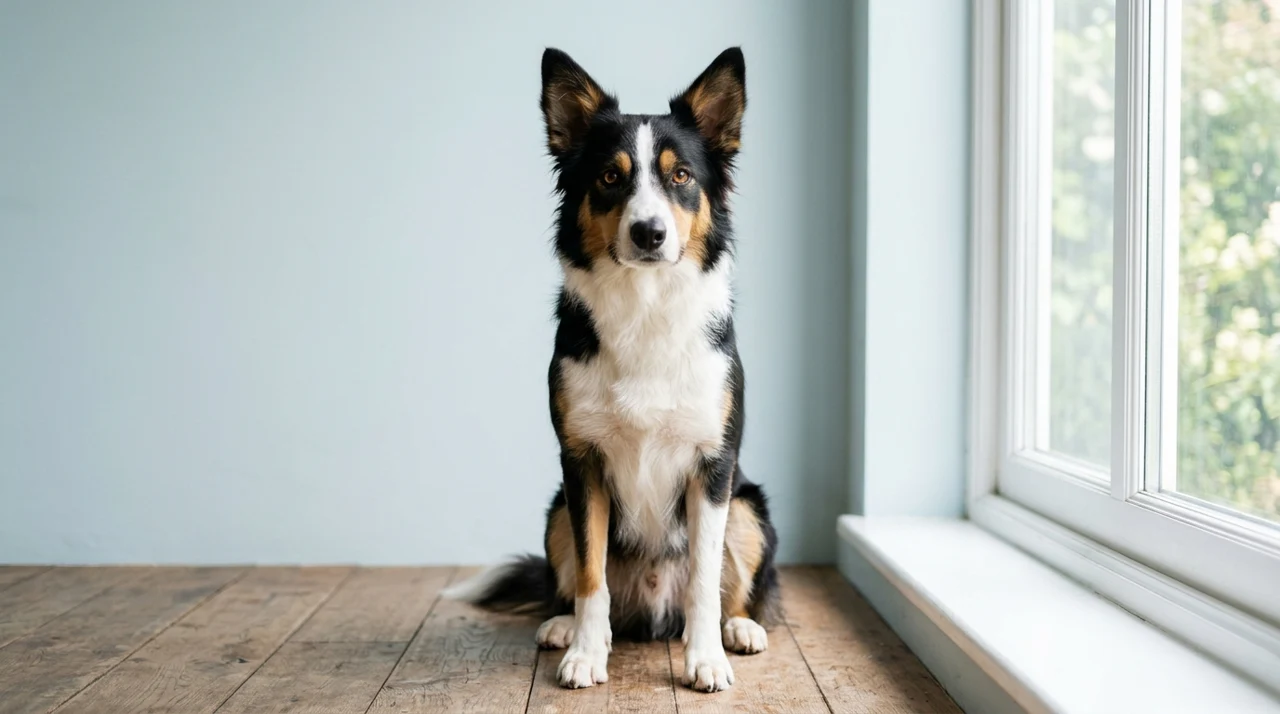
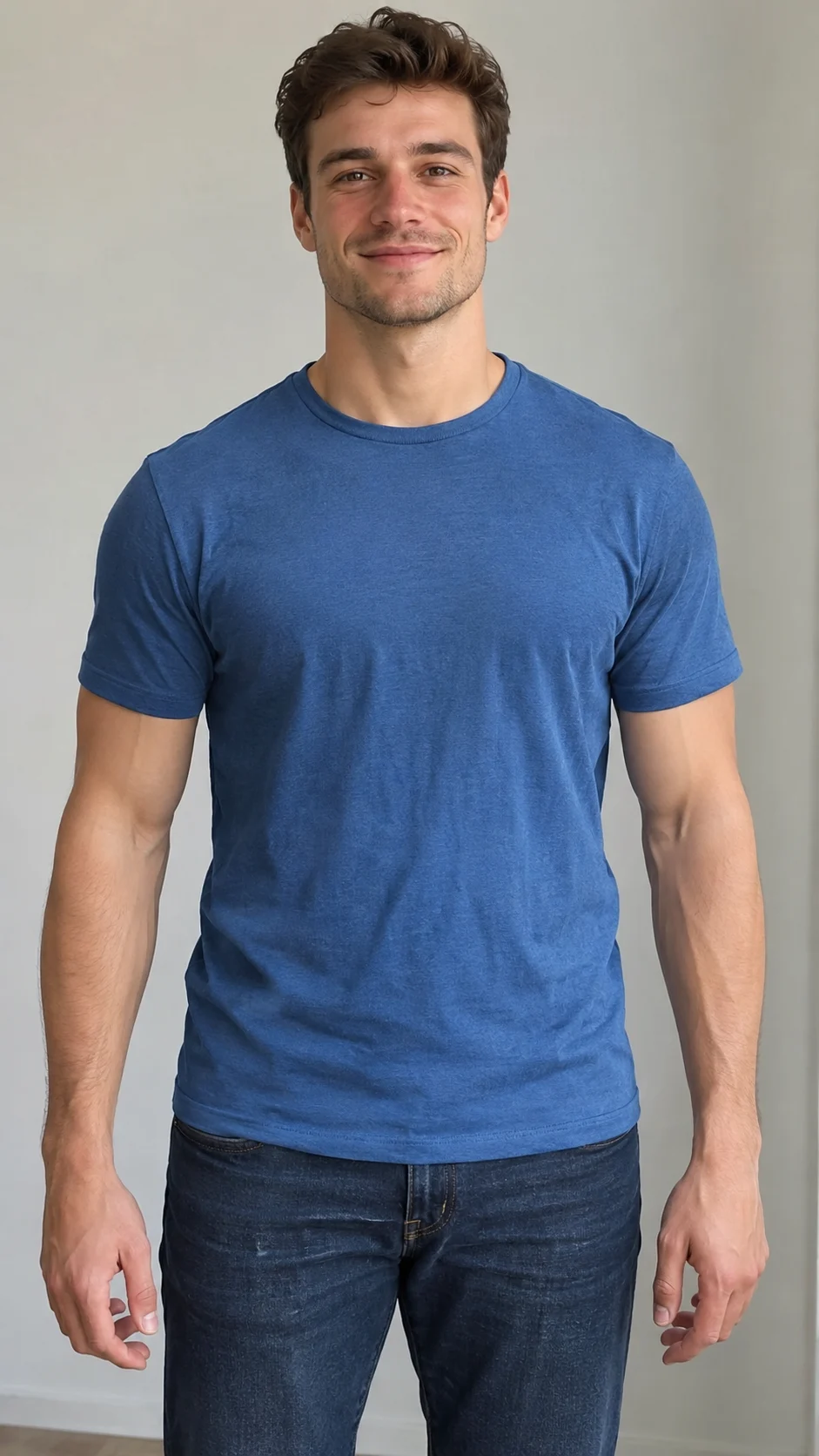
A usable source photo matches the movement you want. For talking, the important details are the eyes and the shape of the closed muzzle. For dancing or an outfit reveal, the model also needs to see the limbs or the part of the body that will change.
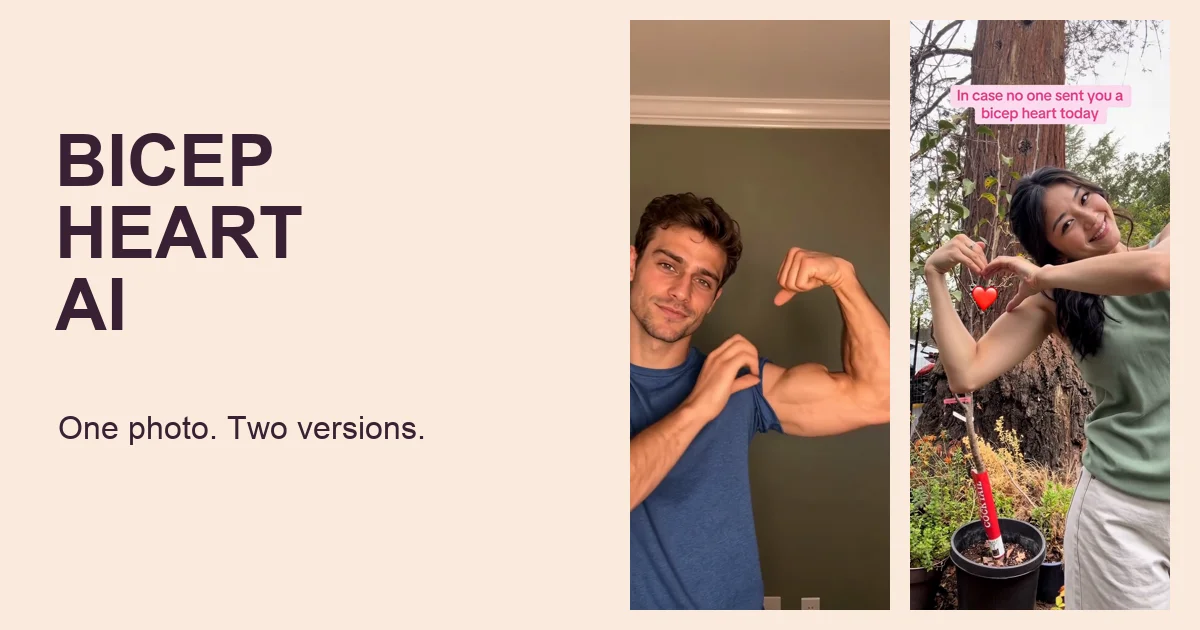
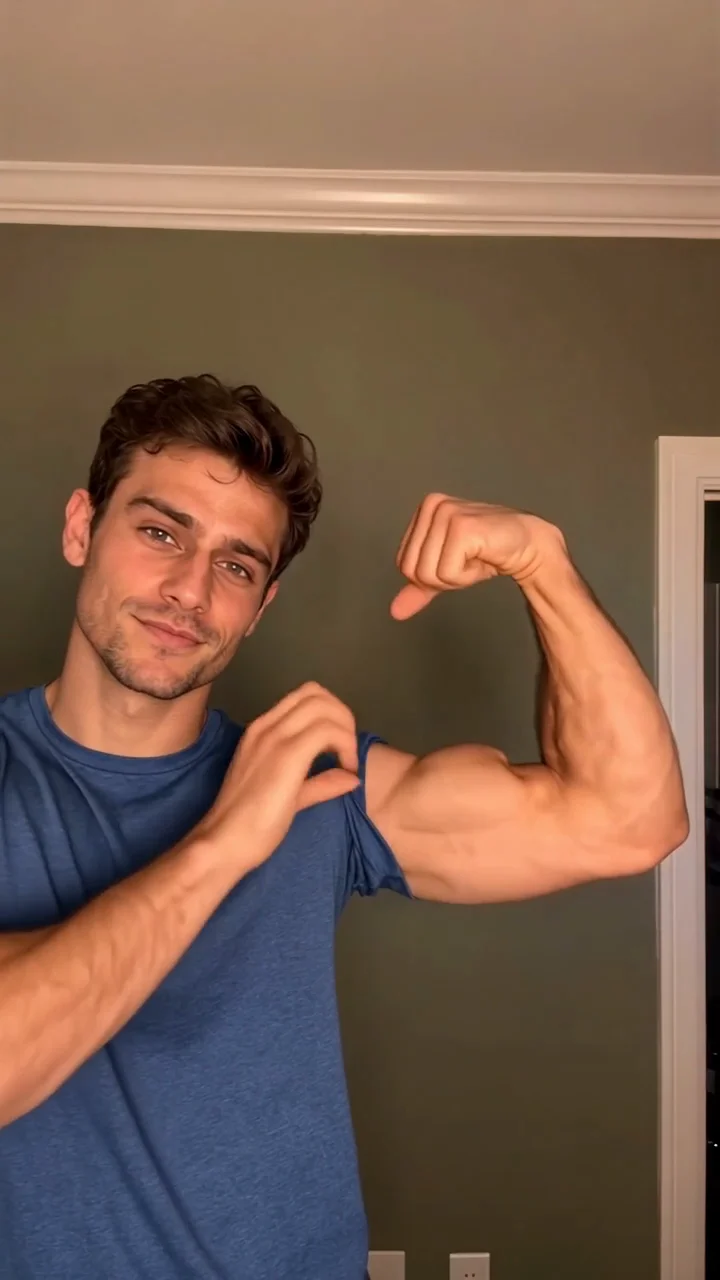
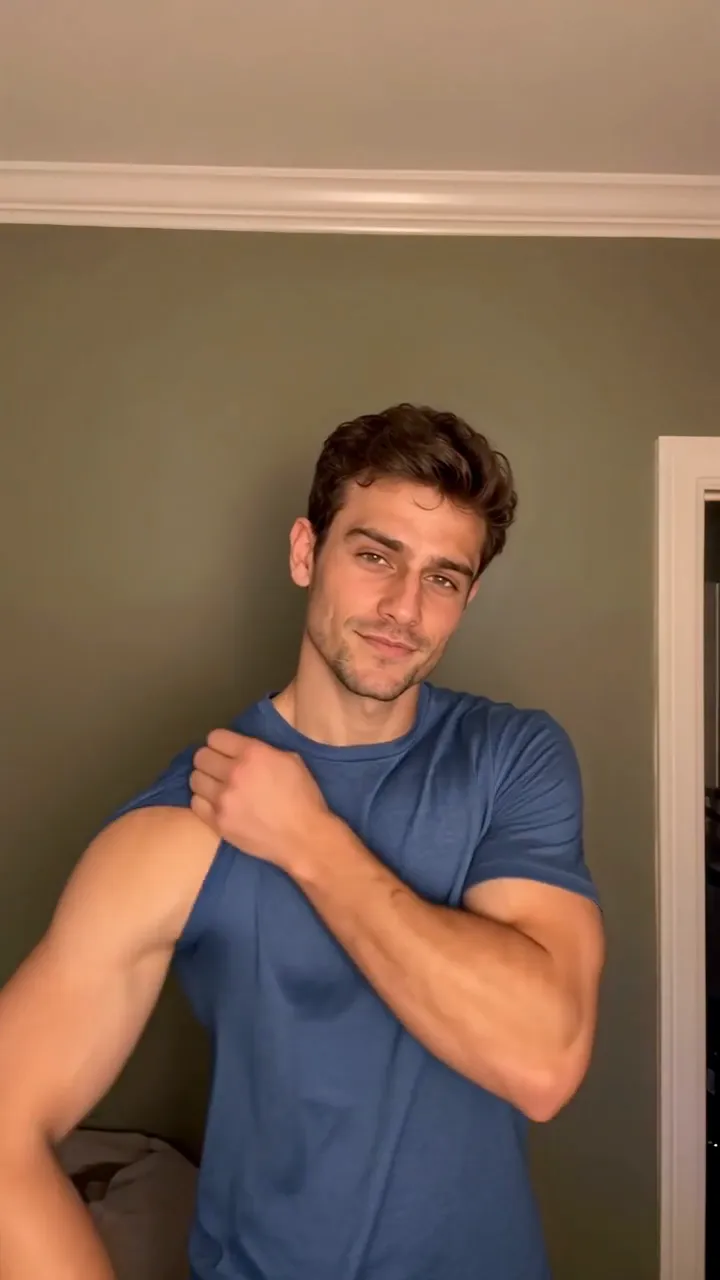
Trend examples
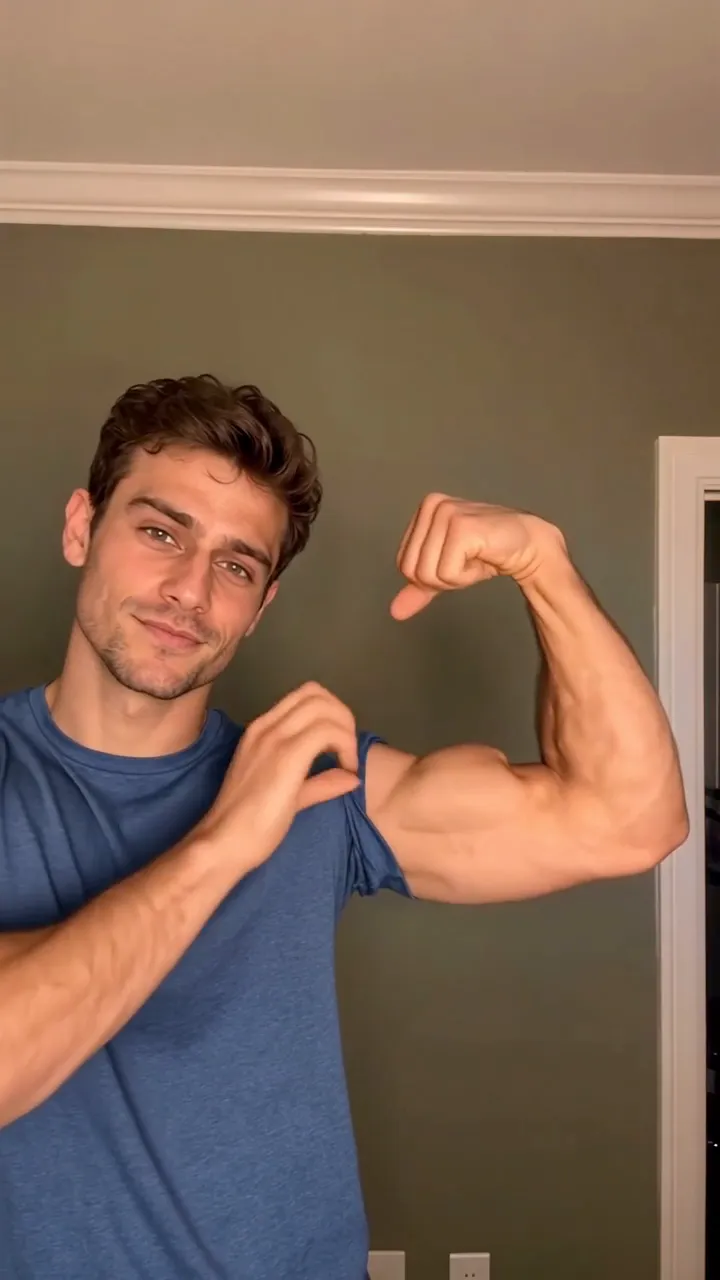
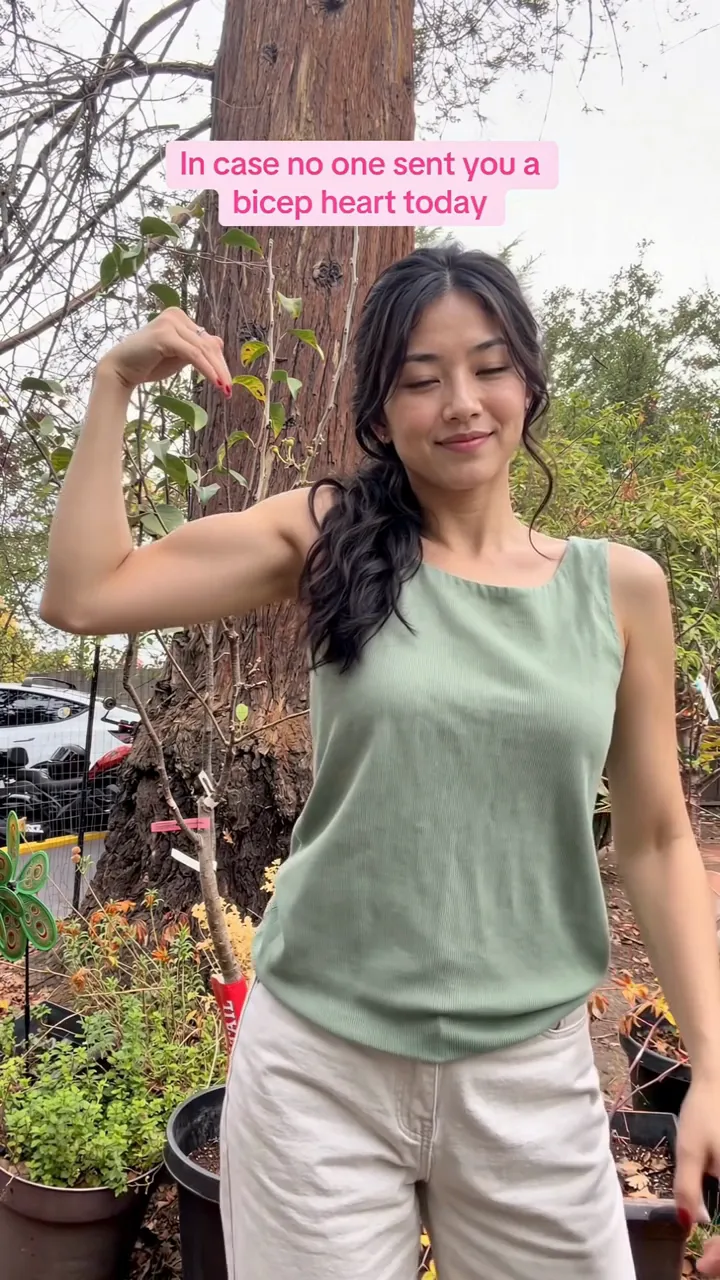
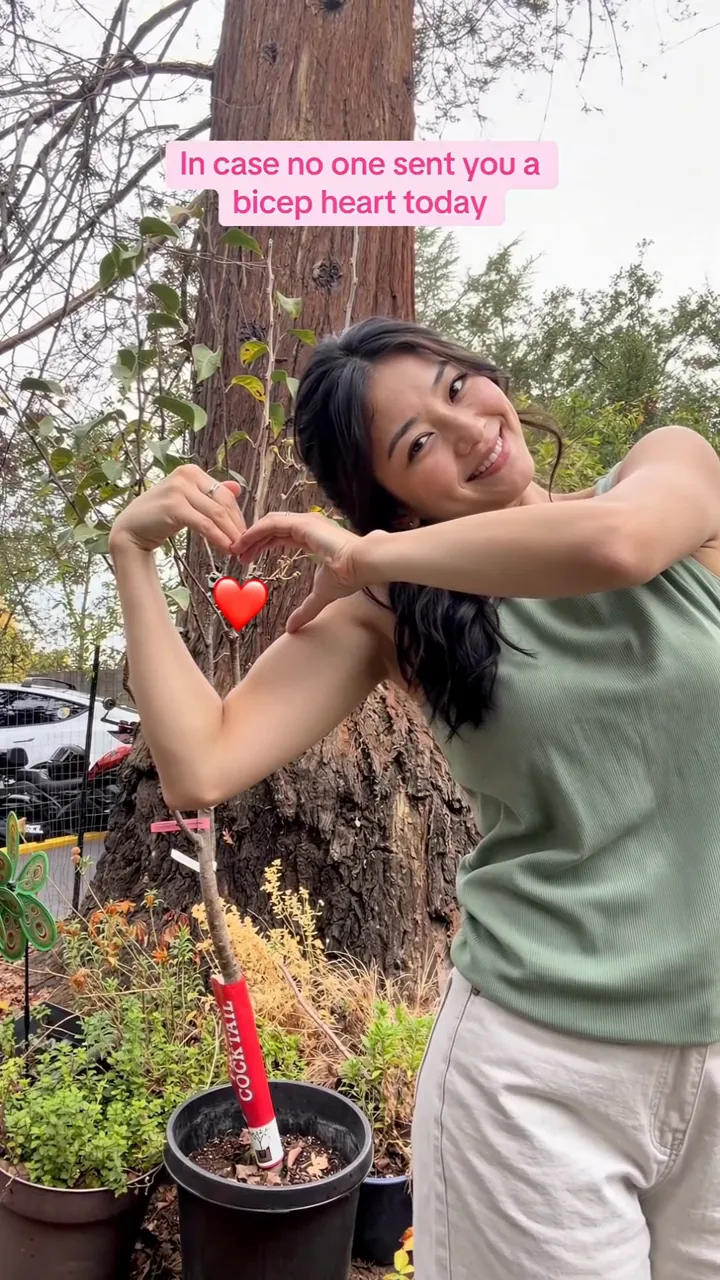
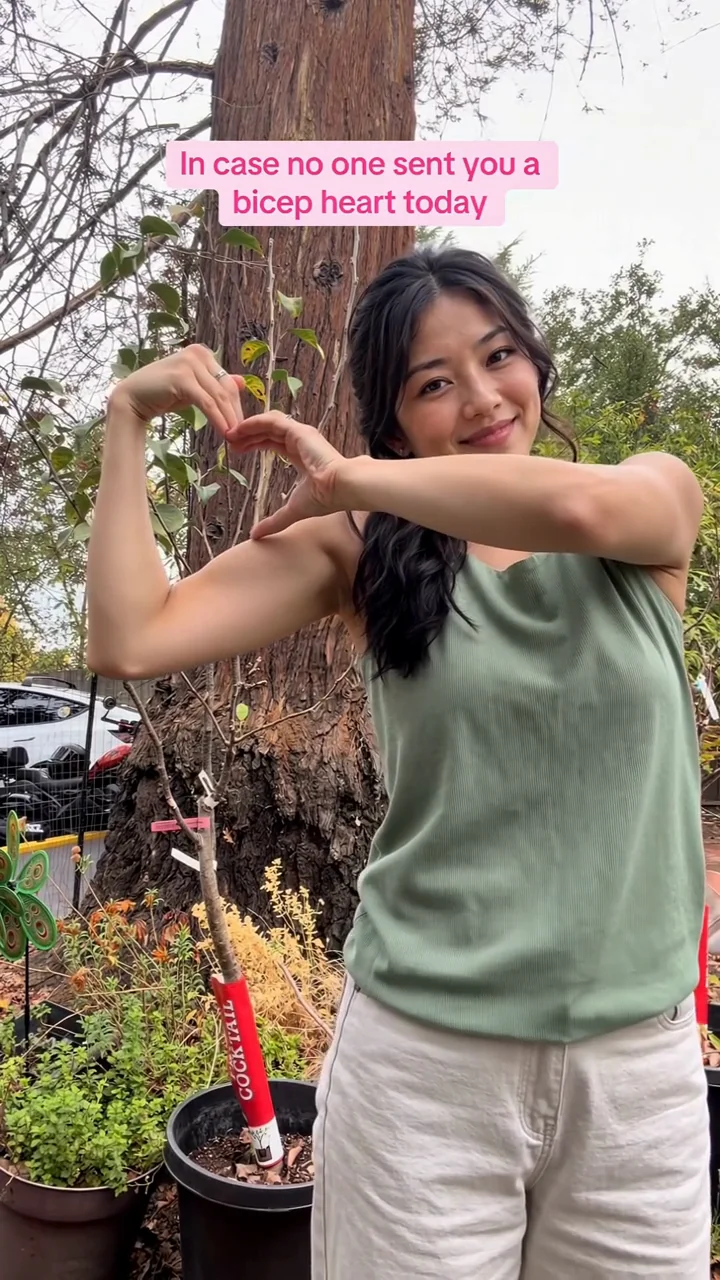
Choose a photo
Compare a window-lit close-up, a three-quarter portrait, and a roomy full-body image. Keep the original files so you can test each crop.
Make the video
- Sort your photos by framing. Save a head-and-shoulders portrait, a full-body standing photo, and a wider version with extra space around the pet.
- Reject frames with motion blur, strong backlight, cropped ears, or another animal crossing the silhouette. Look at the photo at thumbnail size to see what reads immediately.
- Run the same short motion with the two strongest photos. Compare coat markings, eye color and proportions in the first and last frames.
Example prompt
The pet looks toward the camera and blinks once. Preserve the eye color, fur pattern, collar, and background.
Troubleshoot the result
Try another source instead of stacking more instructions if the pose requires body parts absent from the photo. A cleaner frame often fixes drift faster than changing the prompt.
Before you share
Use the same simple movement across both test photos so you can see which source image makes the difference.
Frequently asked questions
Is a side-profile photo usable?
Yes, for a sideways action such as a tiptoe or a look over the shoulder. Choose a front-facing frame for a talking clip when both corners of the mouth need to be visible.